Time needed: ~2 minutes
You’ll learn: How to download the mobile app required to control you 360 camera.
Download and Install the VistaCapture App
Search "VistaCapture" in the App Store or the Google Play Store:
- iPhone: VistaCapture on App Store
- Android: VistaCapture on Google Play
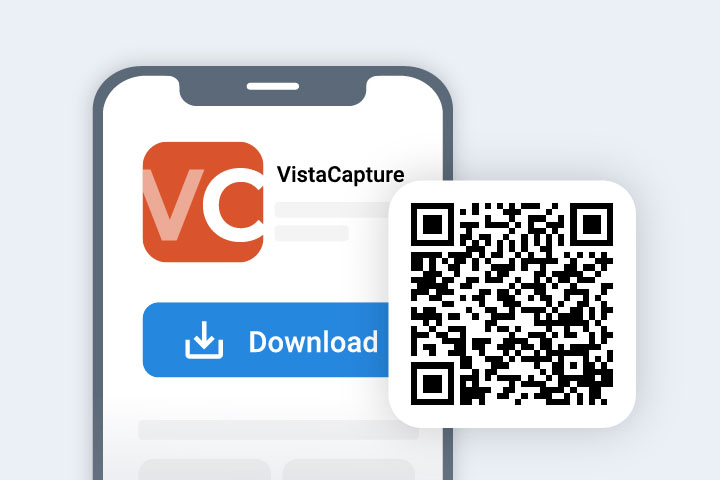
Scan the QR code above to take you to the App page
Note: VistaCapture must be installed in order to Capture. The app will configure your 360‑camera, initiate recording and allow you to upload the recorded video to CupixVista for processing.
Supported 360 Cameras
- Insta360 X5 (Best Performance)
- Insta360 X4
- Insta360 X2
- Insta360 RS 1-Inch
- RICOH Theta X
For more details on setup see “Supported 360 Cameras”
Note: The Insta360 X3 supported due to stability issues that could not be resolved with the manufacturer. These stability issues effect image quality and 3D reconstruction and we have chosen not to support the Insta360 X3 Camera. We recommend the X4 or X5 camera instead.
Next step → First Walk in 5 Minutes